1 Sheet
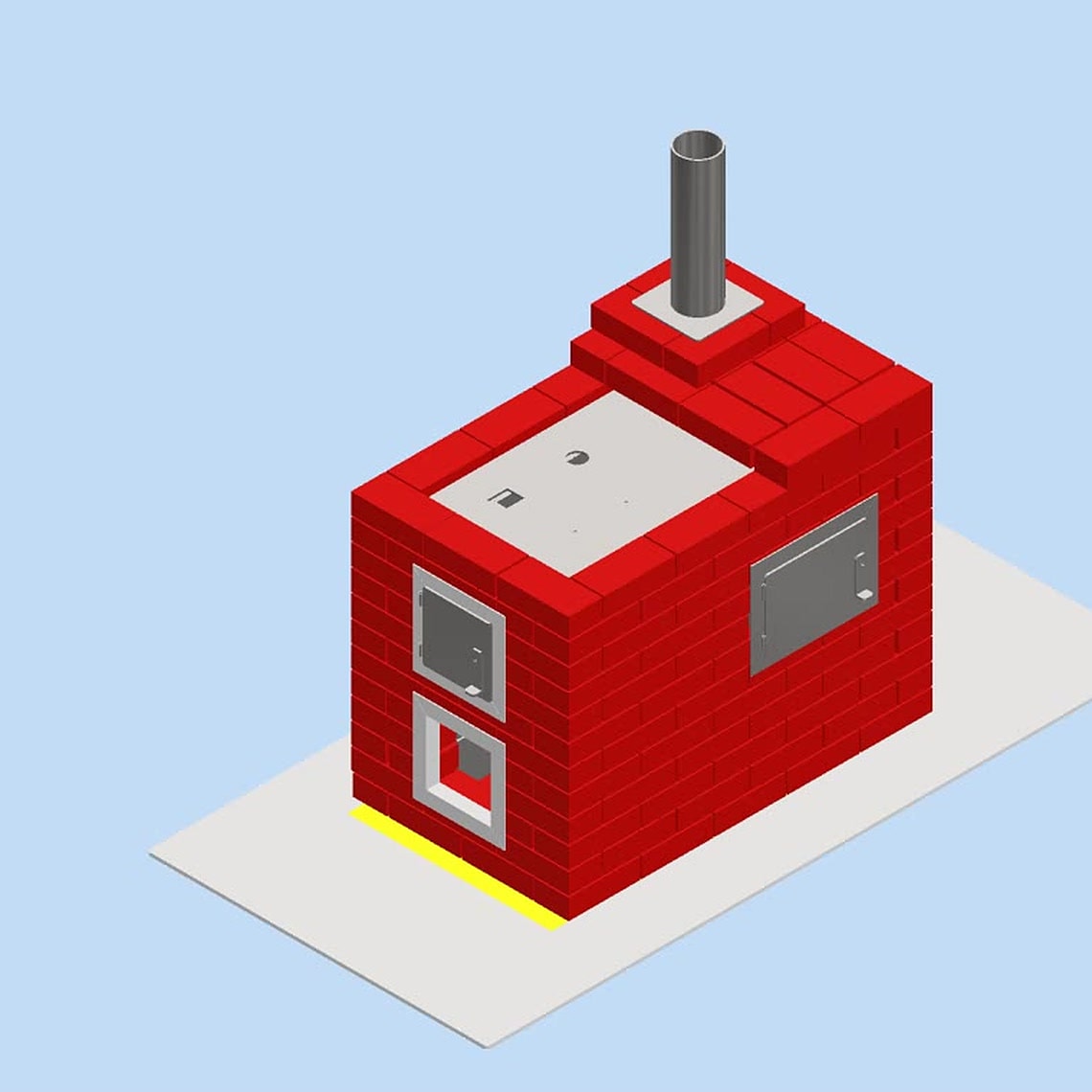
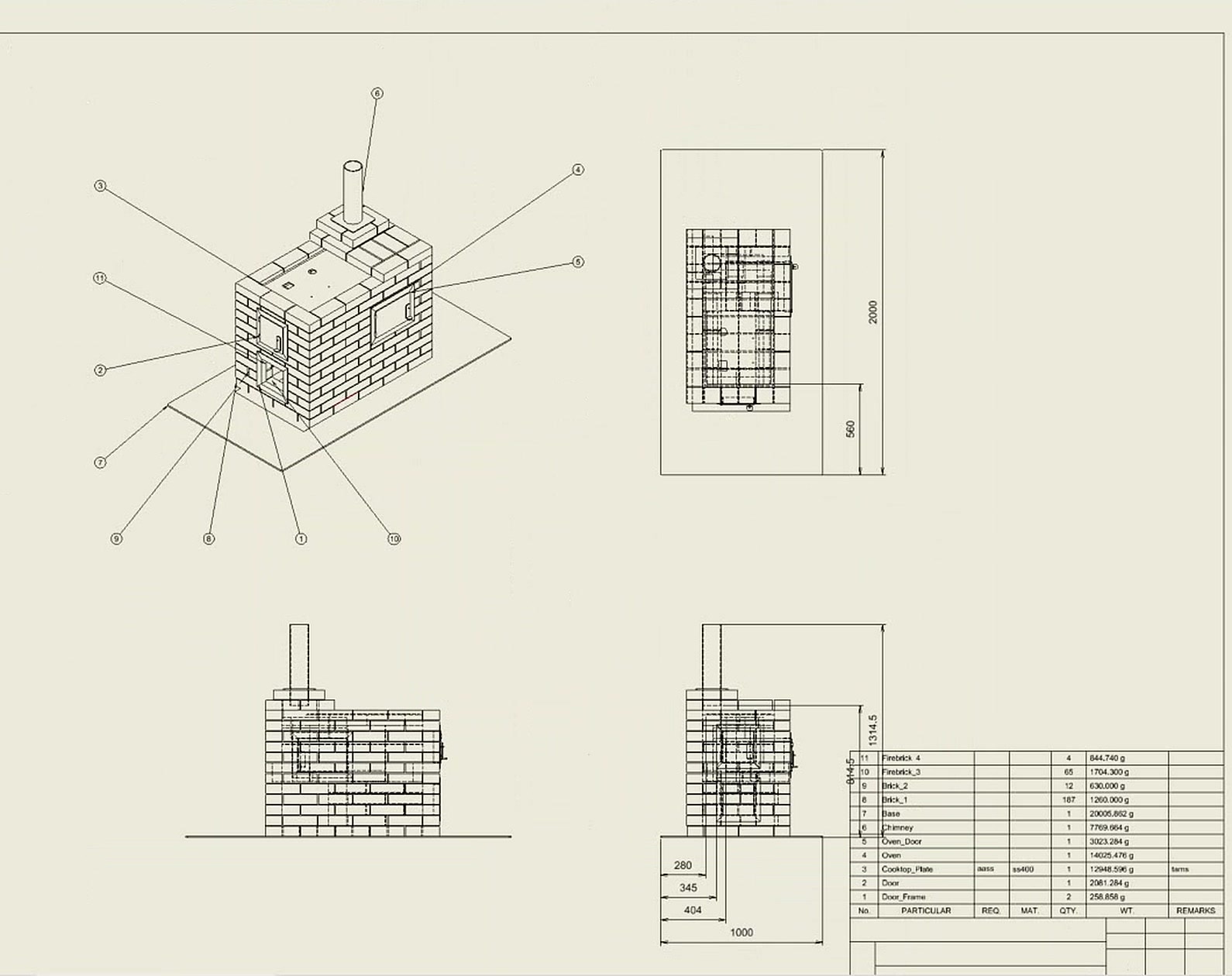
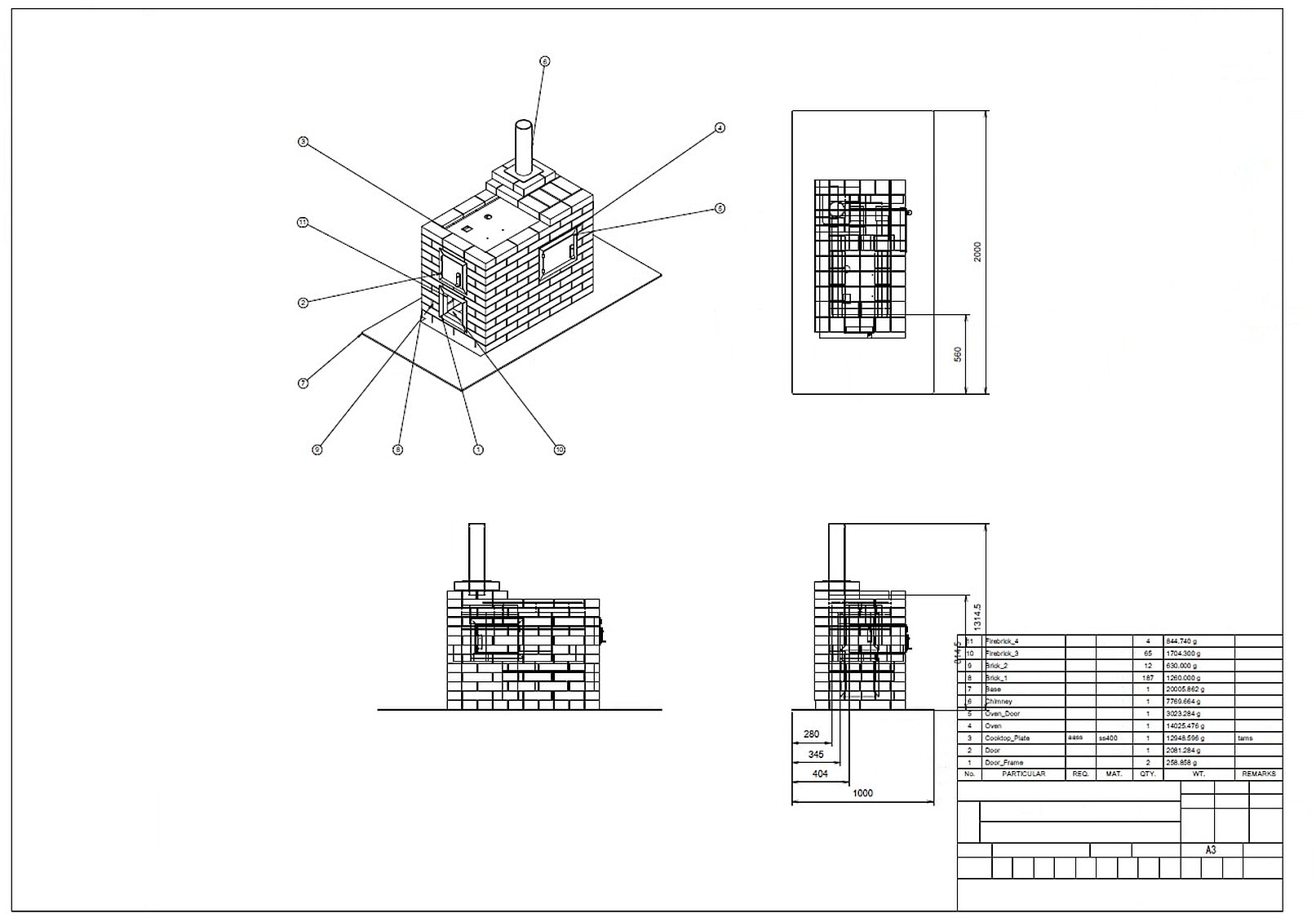
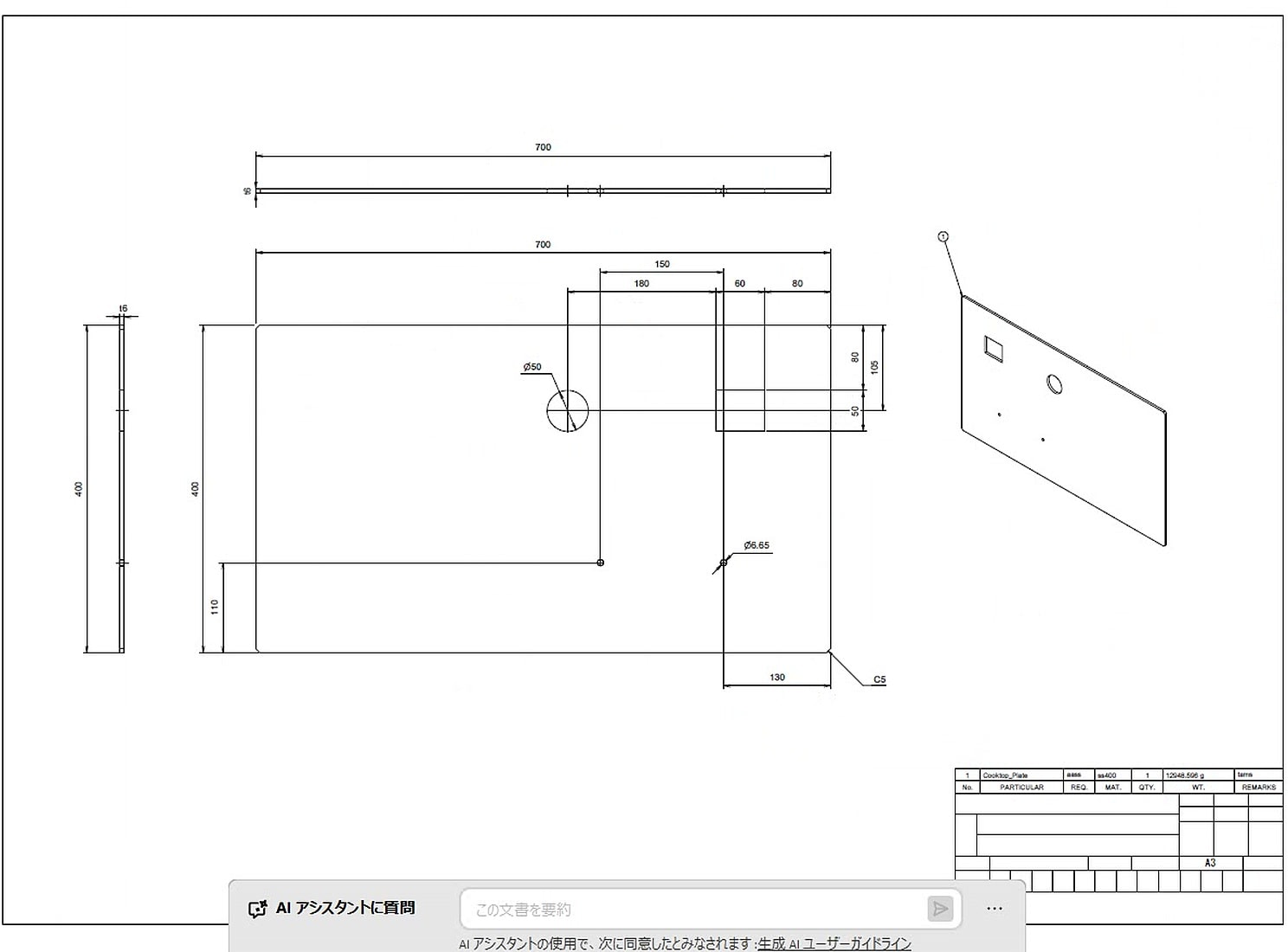
One drawing for a part, or an overall drawing for an assembly.
Input
3D model (.ipt, .iam)
Process
The 5-step sequence
Output
Single-sheet IDW
When to use it
You need a drawing of a part or assembly, for one model or a batch.
You choose
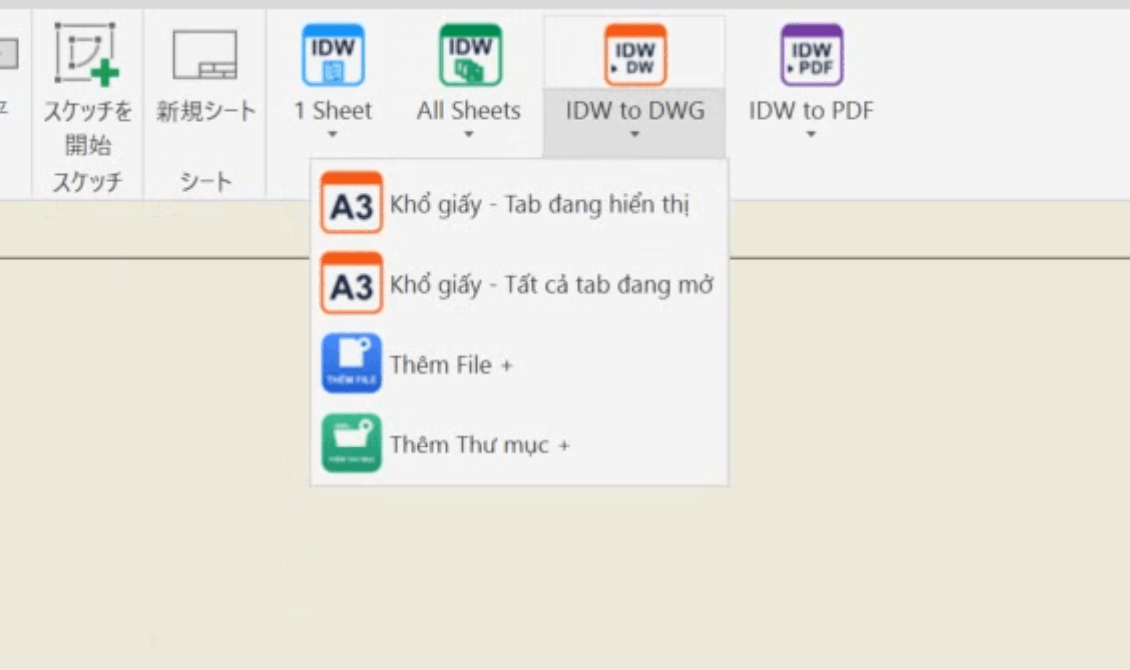
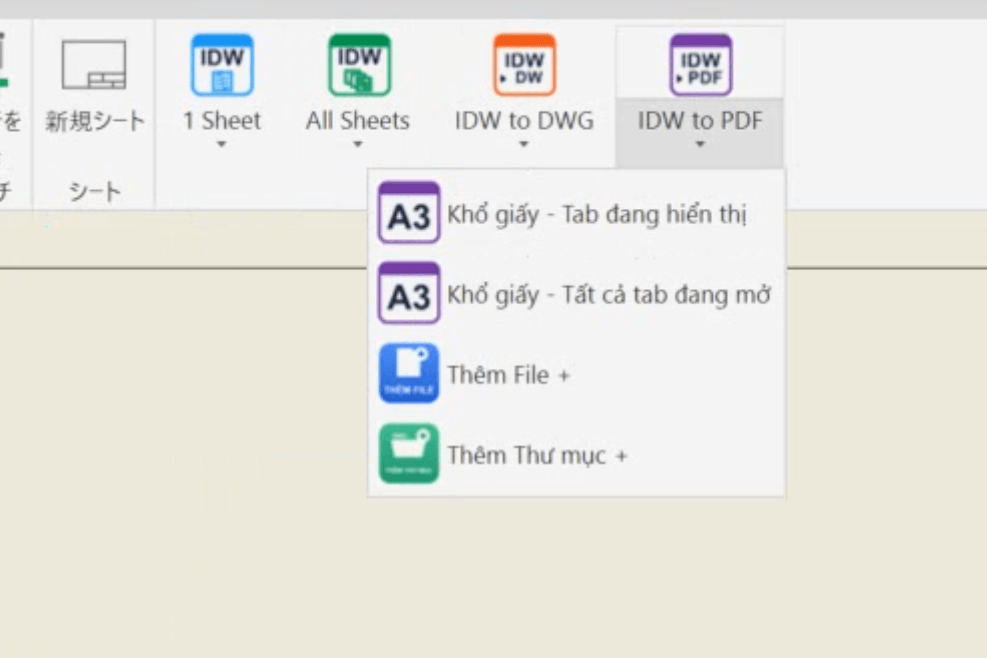
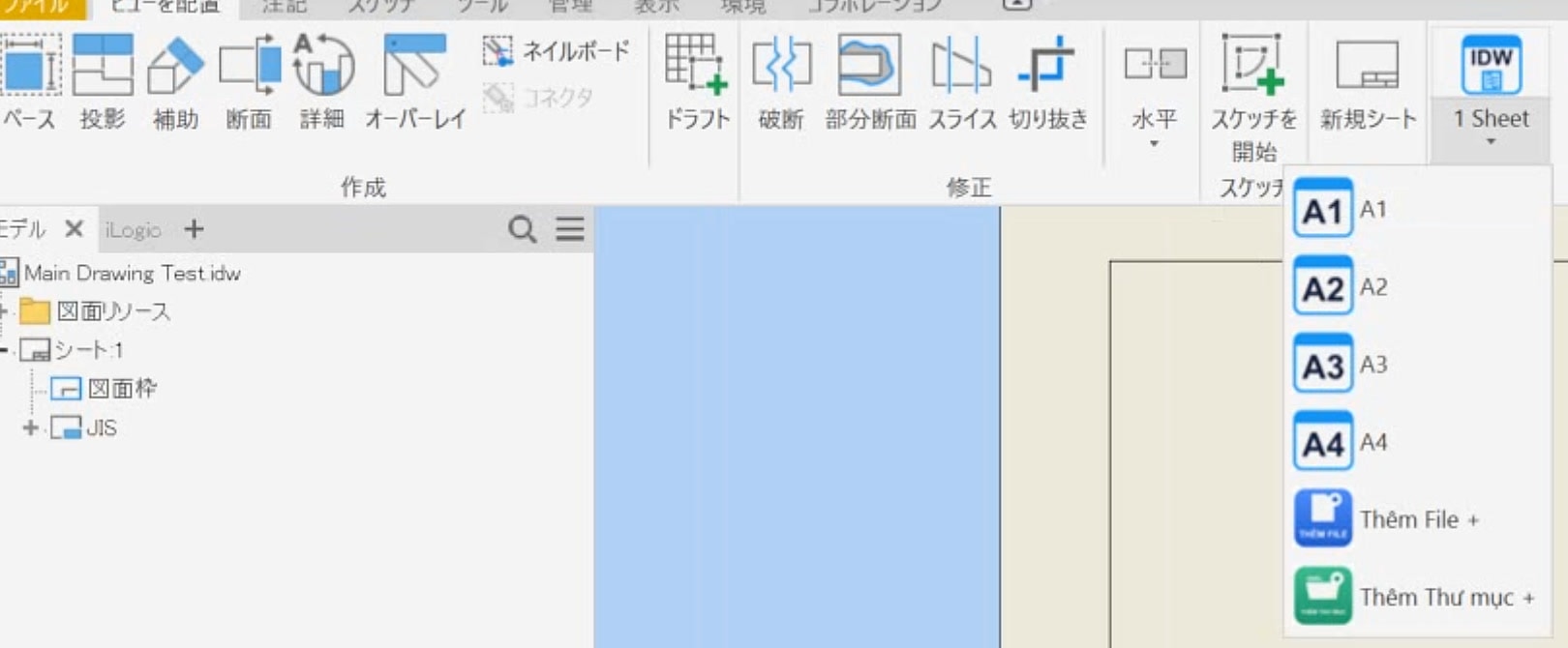
- The open model, or Add File + / Add Folder + for a batch
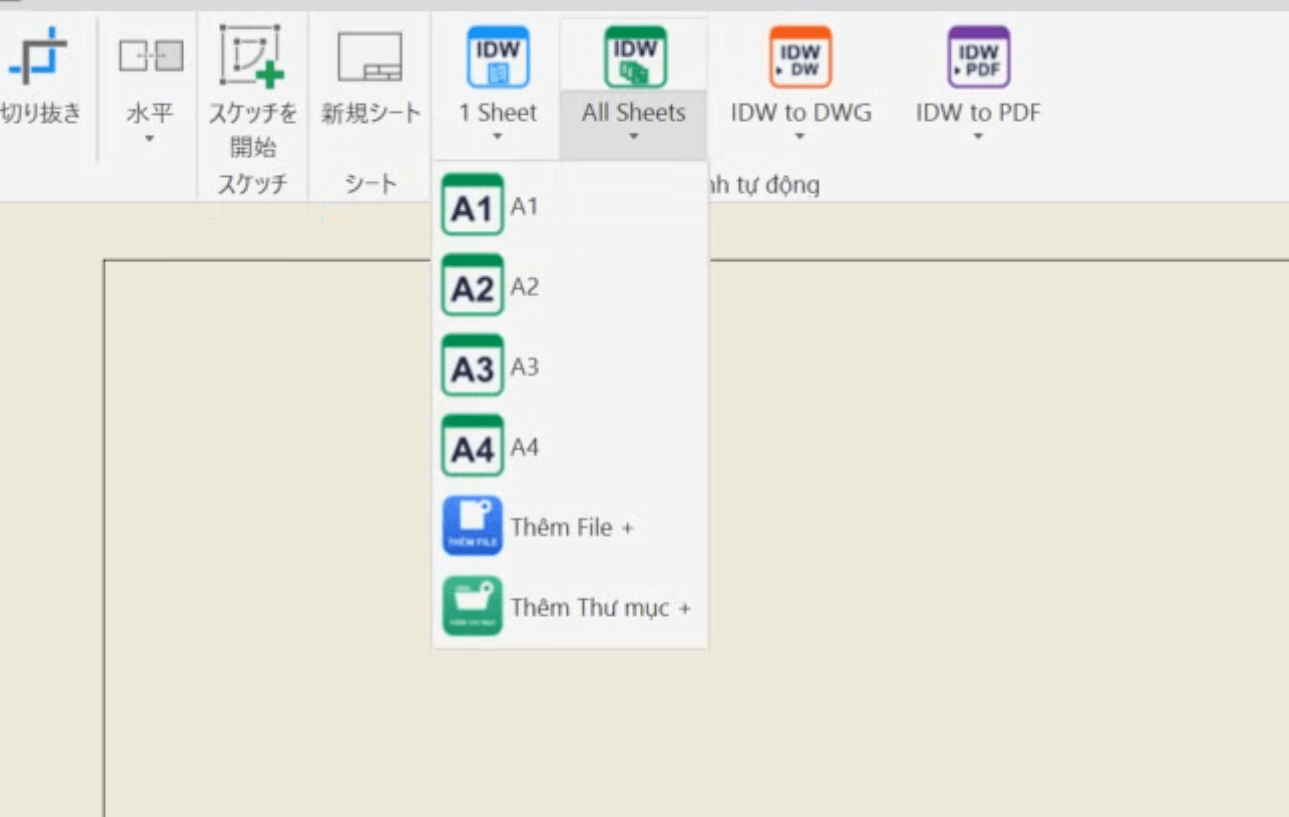
- Paper size A1–A4 (remembered for this button)
Done automatically
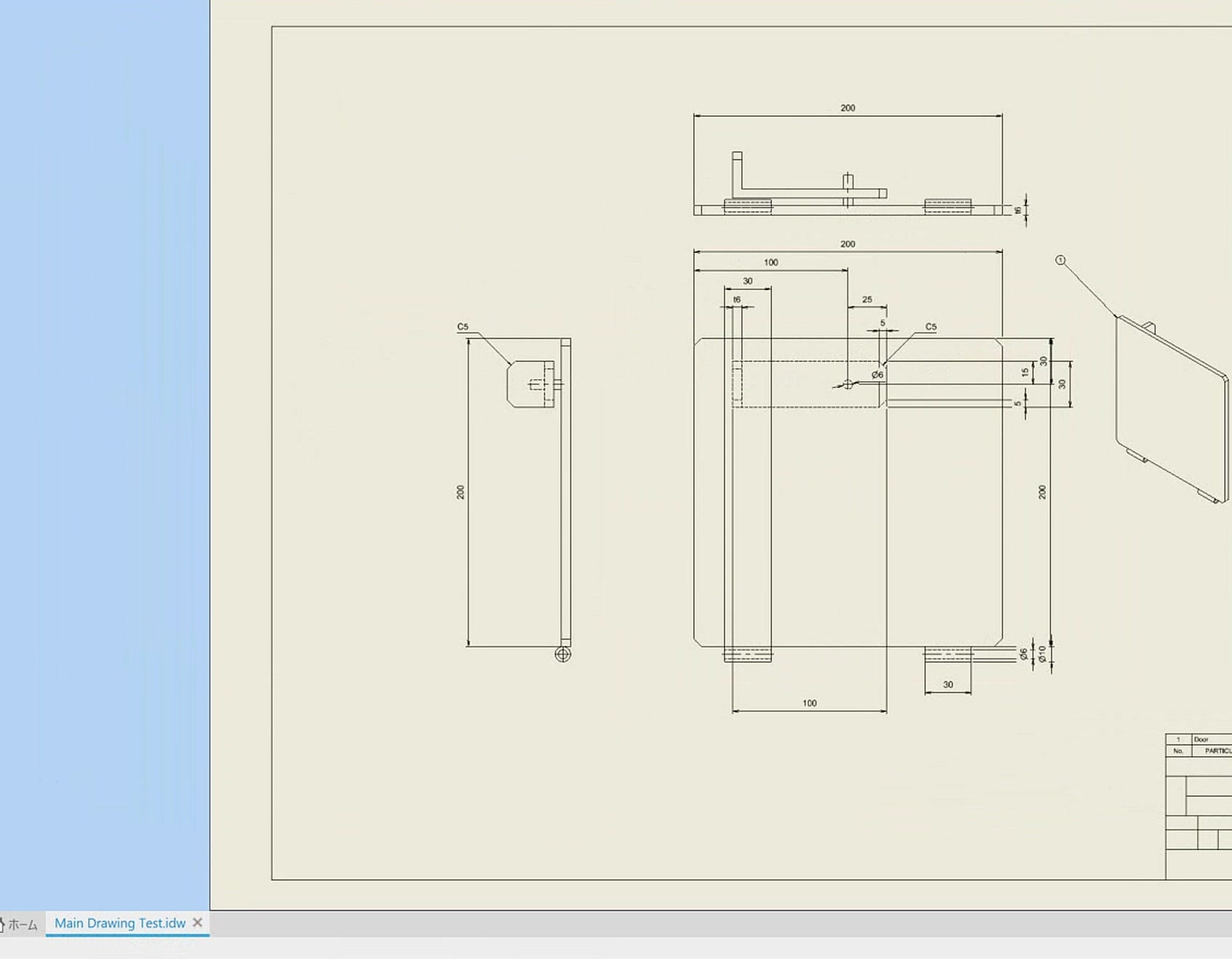
- Places views and isometric view, sets the scale
- Adds dimensions and hole and chamfer notes; removes duplicate dimensions, avoids overlaps, checks for collisions
- Assemblies: adds BOM and balloons
- Creates center lines and marks
Result
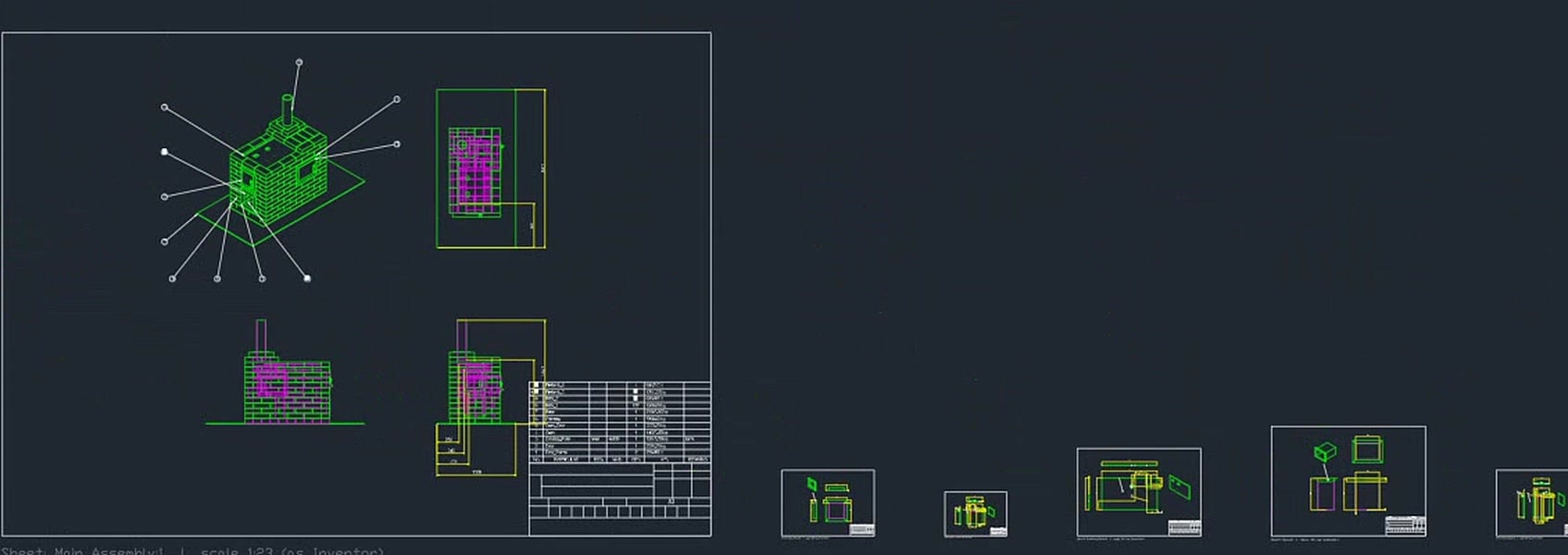
- One single-sheet IDW per model, named after the 3D file
- Batch: runs in the background, reports when done
Practical value
Fewer repeated drawing steps. You start from a laid-out drawing to check and finish.
LimitsIf step 1 fails or is canceled, the later steps do not run